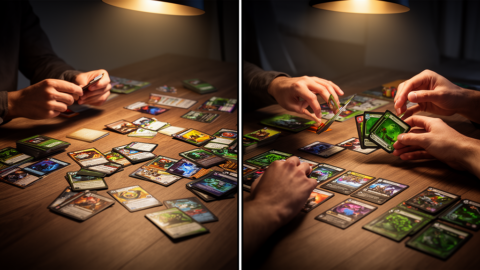
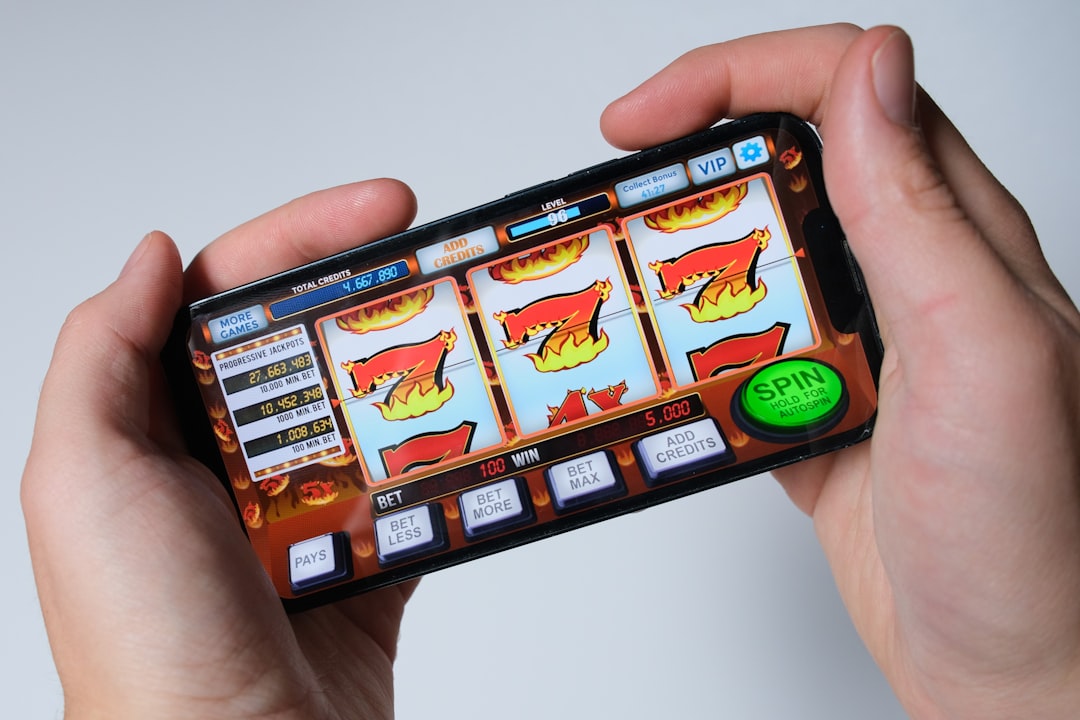
You are sitting on the couch, thumb hovering over the screen, and you just watched your opponent steal a card you spent three turns building. The board game version would end there, with a handshake and a promise to try again next week. On mobile, the same moment feels like a system error, a UI glitch, or a fundamental misunderstanding of how the game is supposed to work. You close the app, frustrated, and decide that tabletop is the only way to get the tactile satisfaction of shuffling and drafting.
That decision is wrong. The problem is not that digital deck builders are inferior to physical ones. The problem is that you are playing them on the wrong platform with the wrong expectations. Mobile devices are not just portable versions of console or PC games. They are a distinct ecosystem with unique interface constraints that, when designed correctly, actually solve the two biggest friction points of physical deck building: setup time and shuffling.
If you want to play deck builder games on mobile, your phone is objectively the best platform available, provided you know how to filter out the poorly ported console clones. The difference between a great mobile deck builder and a terrible one comes down to three specific factors: the quality of the automated shuffling, the clarity of the draft interface, and the speed of the turn resolution. When these three align, mobile deck builders offer a faster, more accessible, and often deeper experience than any physical or console equivalent.
The Setup Problem That Mobile Solves Instantly
Every physical board game player knows the dread of setup. Before you can even look at your cards, you must separate the decks, shuffle them thoroughly, place the tokens correctly, and set up the board. For a complex deck builder, this can take ten to fifteen minutes. For a quick session, it is half the playtime. Console and PC digital versions solve this, but they often inherit the bloat of the physical game’s secondary mechanics. Mobile games, by contrast, are designed from the ground up to eliminate setup entirely.
On a mobile device, the game state is persistent and instant. You tap ‘Play,’ and you are looking at your hand. There is no shuffling, no token placement, and no board setup. This is not just a convenience; it is a fundamental design advantage that allows mobile deck builders to focus entirely on the drafting and playing phases. The best mobile implementations understand that the player’s time is valuable and that the friction of setup is the primary reason people abandon physical games after the first session. By removing setup, mobile games increase the frequency of play, which is the single most important factor in mastering a deck builder’s strategy.
Shuffling and Randomness: The Hidden Mechanic
In physical deck builders, shuffling is a ritual. It is also a source of variance. You can manipulate the deck, peek at the bottom card, or remember the order of the last few cards drawn. Digital versions remove this physical manipulation, replacing it with a random number generator. This is where most digital adaptations fail, and where the best mobile games excel.
A poorly designed digital deck builder uses a standard random shuffle that can lead to frustrating streaks of bad draws. A well-designed mobile game uses a ‘deck-peek’ or ‘anti-tilt’ system. This system ensures that you will not draw the same card twice in a row and that you will eventually cycle through your entire deck before it repeats. This is not a change to the underlying probability; it is a change to the distribution of that probability over time. It prevents the ‘dead hand’ scenario where you spend three turns drawing nothing useful, only to get your entire engine in the final round.
When evaluating a mobile deck builder, look for this feature. Games like Ascension: Digital Edition and Dominion Digital implement subtle anti-tilt mechanics that make the game feel fairer without altering the core math. This is a critical distinction. If a mobile game feels like it has ‘bad luck,’ it is likely a poorly designed port. If it feels like a physical game but without the frustrating variance, it is a high-quality mobile implementation. The best mobile games use this system to keep the player in the ‘flow state,’ where the drafting and playing phases feel dynamic and responsive rather than random and punishing.
The Draft Interface: Tap vs. Drag
Deck building is, at its core, a drafting mechanic. You choose cards from a shared pool and add them to your deck. In physical games, this involves reaching across the table, grabbing a card, and placing it in front of you. In digital games, this involves tapping a card to buy it, or dragging it to your hand. The interface you use to draft is the single biggest factor in whether a mobile game feels good or terrible.
Many console ports use a ‘tap to buy’ interface that feels sterile and disconnected. You tap a card, it disappears from the pool, and appears in your hand. There is no feedback, no resistance, and no sense of weight. Mobile games, however, have access to touchscreens that allow for more nuanced interactions. The best mobile implementations use a ‘drag and drop’ or ‘tap and hold’ system that gives the player a sense of agency. You feel the card moving from the pool to your hand. You see the card slot fill up. You understand the cost and the benefit before you commit.
This is not just about aesthetics. It is about cognitive load. When you can physically see the card moving, your brain processes the action faster. You are not waiting for an animation to finish; you are participating in the action. This reduces the time between turns, which is the primary advantage of digital play. If a mobile game feels slow, it is likely using a clunky interface. If it feels fast and responsive, it is likely using a well-designed touch interface. Always test the draft phase before committing to a game. If the drafting feels like a chore, the game is not optimized for mobile.
Platform Comparison: iOS, Android, PS5, and PC
Not all digital deck builders are created equal. The platform you choose dictates the quality of the experience. Here is a breakdown of the four major platforms, ranked by their suitability for deck building.
Mobile (iOS and Android): The Gold Standard
Mobile is the best platform for deck builders for three reasons: accessibility, interface design, and session length. Mobile games are designed for short, intense sessions. You can play a round of Star Realms or Clank! in ten minutes. This matches the way people use their phones. Mobile games also benefit from touchscreens, which allow for intuitive drafting and playing. The best mobile games are optimized for this, with large cards, clear text, and responsive animations. If you want the purest deck building experience, mobile is the place to start.
iOS: The Premium Experience
Apple’s App Store has a higher barrier to entry for developers, which means the games that make it onto the platform are often more polished. Games like Dominion Digital and Ascension: Digital Edition are available on iOS and offer a premium experience with high-resolution graphics and smooth animations. However, iOS games often cost more than their Android counterparts. If you are willing to pay for quality, iOS is a strong choice.
Android: The Value Leader
Android has a wider range of deck builders, from free-to-play titles to premium games. The key is to avoid the ‘freemium’ traps. Many Android deck builders are designed to extract money through microtransactions, which can ruin the core loop. Look for premium games that offer a complete experience without paywalls. Games like Star Realms: Deckbuilding Game and Clank! Digital Edition are excellent examples of high-quality Android implementations. If you want the best value, Android is the way to go.
PS5: The Console Port
PS5 games are often ports of PC or console titles. They are designed for a couch experience, with a controller and a TV. This is fine for long sessions, but it is not ideal for quick, on-the-go play. PS5 games often have slower interfaces and less intuitive controls. If you play on a console, you are likely looking for a more immersive, story-driven experience. Deck builders are rarely story-driven. They are about mechanics and strategy. If you want a deck builder, PS5 is not the best platform.
PC: The Powerhouse
PC offers the most powerful hardware and the widest selection of games. You can run multiple instances of a game, use mods, and access the largest community. However, PC games are often designed for mouse and keyboard, which can feel clunky on a touchscreen. If you play on a PC, you are likely looking for depth and complexity. Deck builders can be deep and complex, but they are often better experienced on a mobile device for their simplicity and accessibility.
How to Choose the Right Mobile Deck Builder
With hundreds of deck builders available on mobile, how do you choose the right one? Here are three rules to follow.
Rule 1: Avoid Freemium Traps
If a game is free, it is likely designed to extract money. These games are usually more balanced and fair. They are designed to be played, not monetized.
Rule 2: Test the Draft Phase
Before you commit to a game, test the draft phase. Does it feel fast and responsive? Does the interface make sense? Look for games that use touchscreens effectively.
Rule 3: Check the Community
Read reviews and check the community. Are players happy with the game? Are there active forums and discussions? A strong community is a sign of a healthy game. If the community is dead, the game is likely abandoned or poorly designed.
By following these rules, you can find a mobile deck builder that offers a fast, fair, and fun experience. Your phone is not just a portable device. It is a powerful platform for one of the most engaging genres in modern gaming. Stop treating it like a second-class citizen. Start treating it like the best platform for deck building.
Sources & Further Reading
- Ascension: Deckbuilding Card Game — Stone Circle Games
- Star Realms: Deckbuilding Game — White Wizard Games